
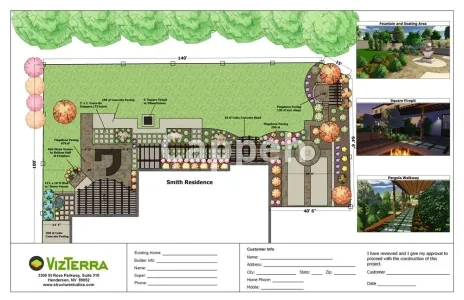
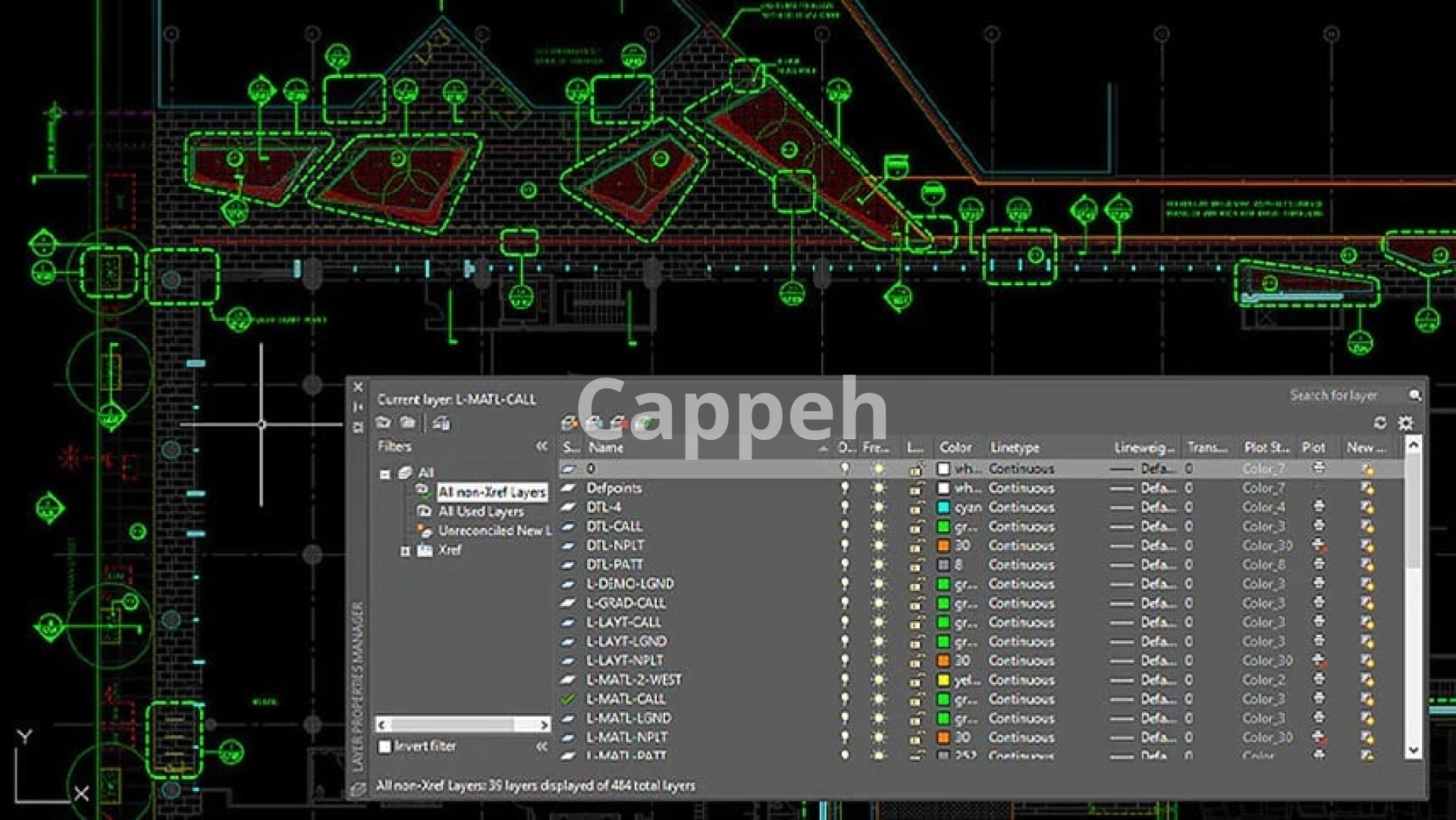
Maria Metrov introduces AutoCAD LT, a powerful and customizable software for landscape design professionals. Ideal for both commercial and luxury projects, it enhances workflow with detailed drawing capabilities and flexible licensing. While cost-effective and compatible with both Mac and PC, it has a steep learning curve and lacks advanced features. Maria encourages users to discover how AutoCAD LT can elevate their landscape design projects.
$2,000
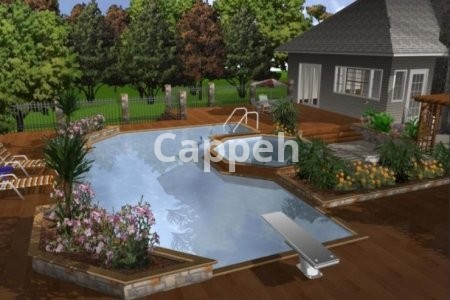
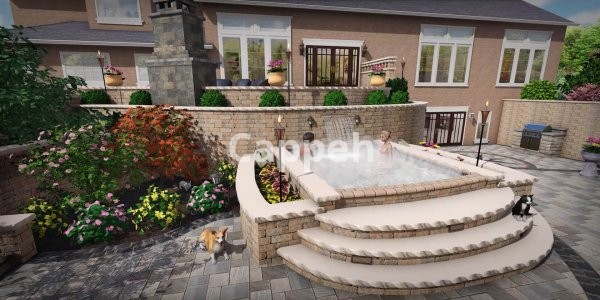
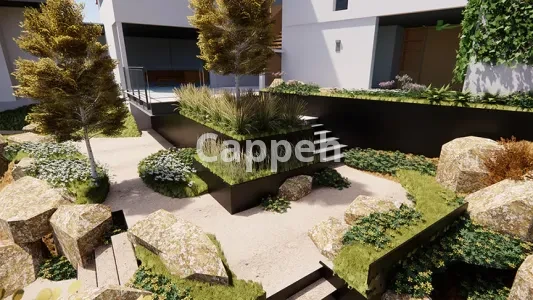
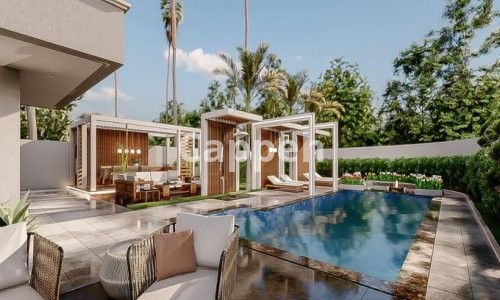
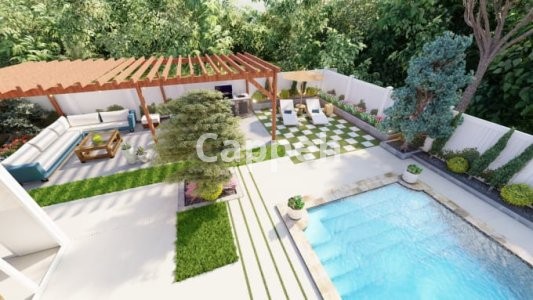
I’m Maria Metrov, a dedicated landscape designer, here to introduce you to AutoCAD LT, a powerful software that has been a leader in the design industry since 1982. This software is particularly suited for landscape design professionals, offering a wide range of applications, from large commercial landscape projects to exquisite luxury residential designs.
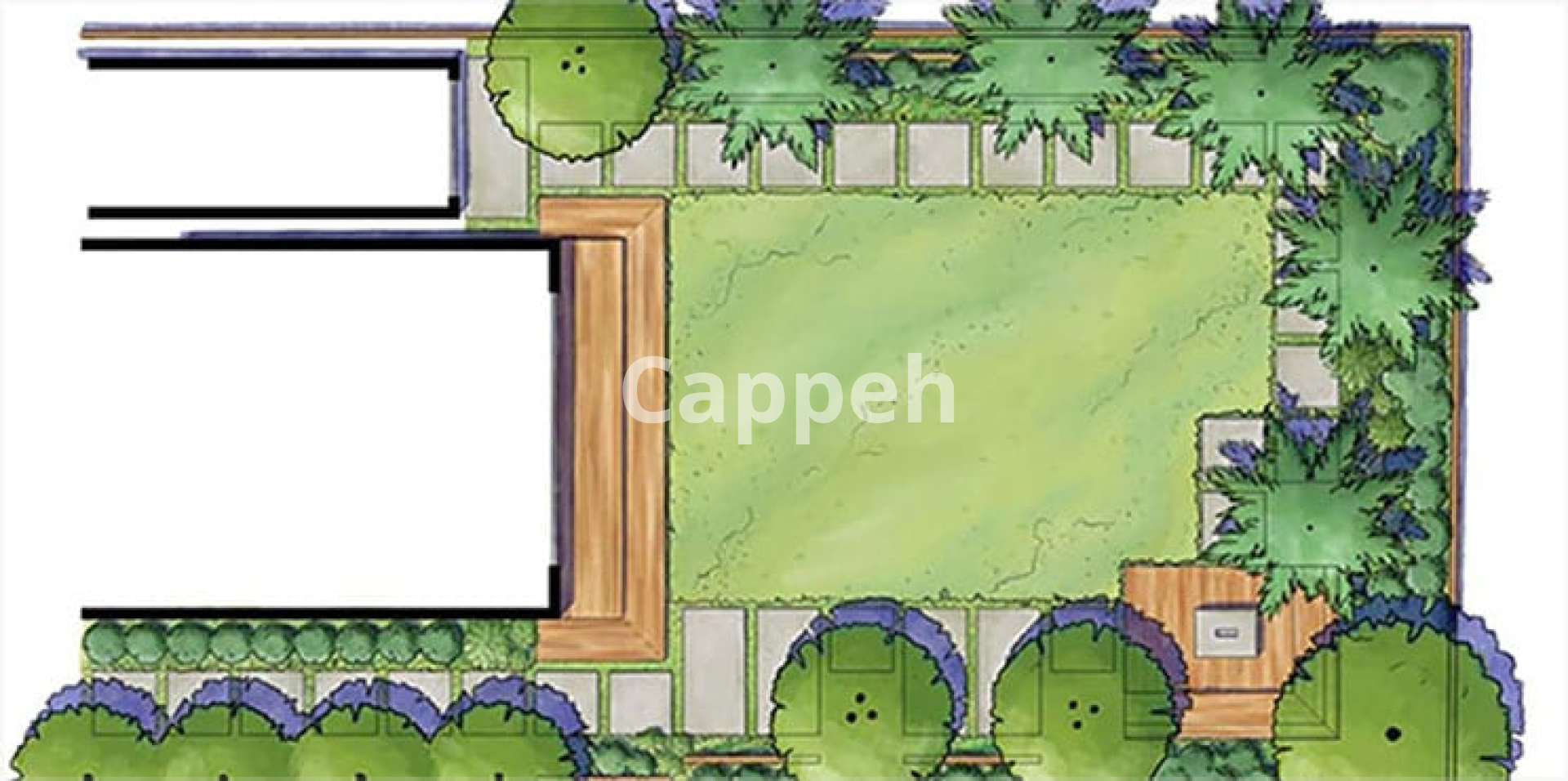
AutoCAD LT’s interface is fully customizable, allowing designers to control the presentation of their drawings. This flexibility ensures that your designs stand out from competitors. You can incorporate your branded logo, customize plant symbols, and adjust pen settings to create distinctive and professional-quality drawings.
AutoCAD LT is designed to enhance your workflow in landscape design. Its ability to customize line weights means you can create highly detailed drawings that effectively communicate your design intent. The software is compatible with both Mac and PC, and licenses can be installed on up to three seats, making it a versatile choice for teams.
Pros and Cons of AutoCAD LT
Pros:
Cost-effective: At $65 per month, it’s an affordable option for professionals.
File sharing: Widely used in the industry, making collaboration and file sharing easy.
Customizable line weights: Allows for highly detailed and precise drawings.
Cross-platform compatibility: Runs on both Mac and PC.
Flexible licensing: License installs on three seats, accommodating multiple users.
Cons:
Steep learning curve: New users may find it challenging to master the software quickly.
Limited pre-built resources: Lacks pre-built plant libraries within the interface.
No 3D capabilities: Requires full AutoCAD for 3D modeling functions.
No sheet set manager: Managing large projects can be cumbersome without this feature.
If you’re ready to enhance your landscape design projects with AutoCAD LT, I’m here to assist you. Let’s discuss how this software can meet your design needs and streamline your workflow.
Thank you for considering AutoCAD LT as your design tool of choice. I look forward to collaborating with you on your upcoming projects!
Thanks and regards,
Maria Metrov
| Shop Location | Virginia, United States |
|
|
|
No reviews found!
No comments found for this product. Be the first to comment!